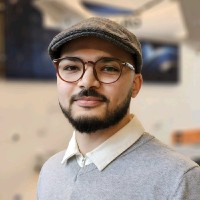
About me

I'm a PhD candidate in the Aerospace Structures and Materials (ASM) department at TU Delft, Faculty of Aerospace Engineering. My research lies at the intersection of deep learning and computational micromechanics, with a focus on the design and analysis of large-scale aerospace-grade composite structures.

Prior to joining TU Delft, I worked as a MS researcher in the Mechanical Design Lab. with Advanced Materials (MDAM) at KAIST, South Korea where I focused on multifunctional carbon fiber-based structural batteries.


Latest News


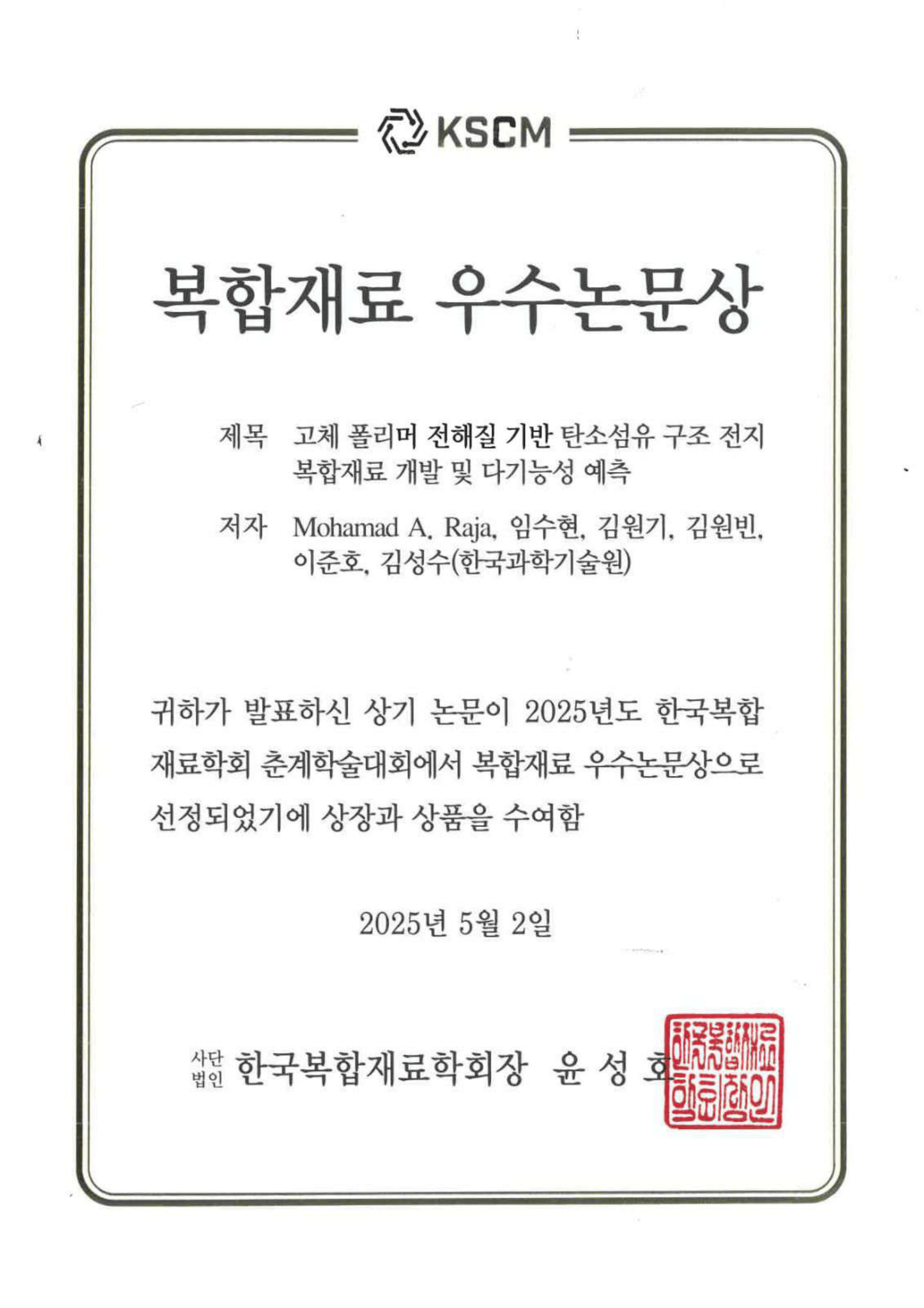
Best Presentation Award at the 2025 KSCM Spring Conference!
May 02, 2025

Best Presentation Award at the 2025 KSCM Spring Conference!

Won Best Presentation Award at the 2025 Spring Korean Society of Composite Materials (KSCM) Jeju, Korea.

Read More →
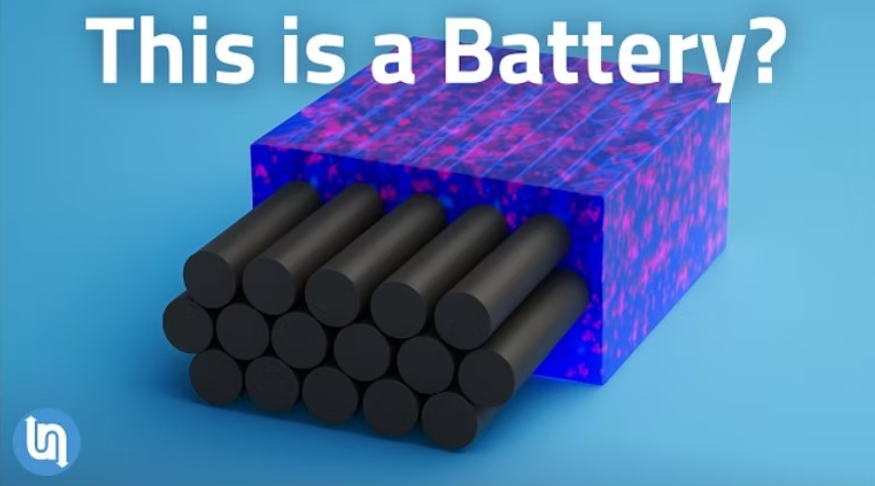
Research Featured on YouTube!
April 22, 2025

Research Featured on YouTube!

Research on multifunctional structural batteries featured in a new video by Matt Ferrell – Undecided. The Strangest Battery Breakthrough Yet.

Read More →
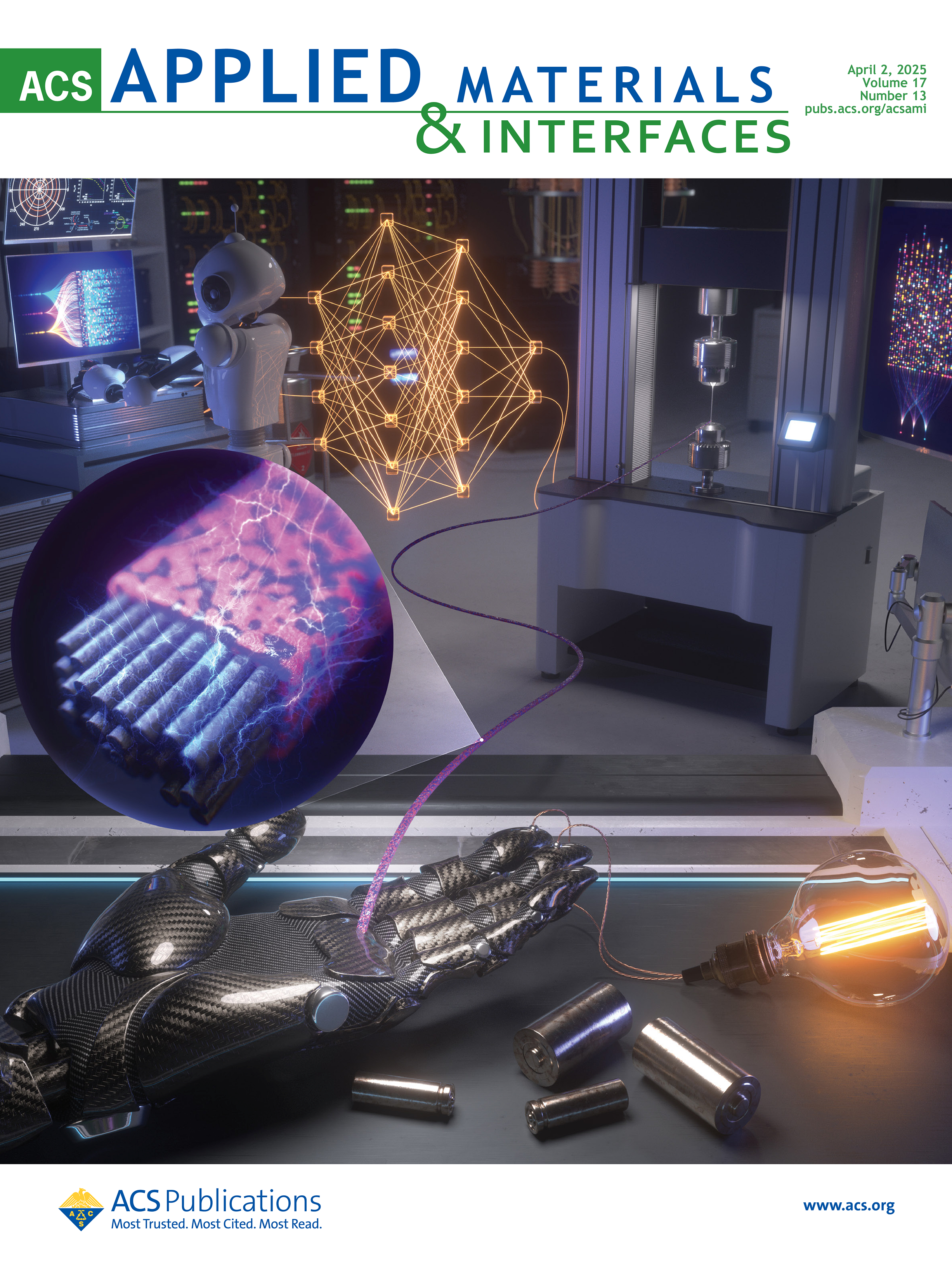
New Paper! ML/FEA Performance Prediction of Structural Battery
April 02, 2025

New Paper! ML/FEA Performance Prediction of Structural Battery

Paper on Multifunctional Composites Prediction via FEA & ML Selected as Supplementary Journal Cover!

Read More →
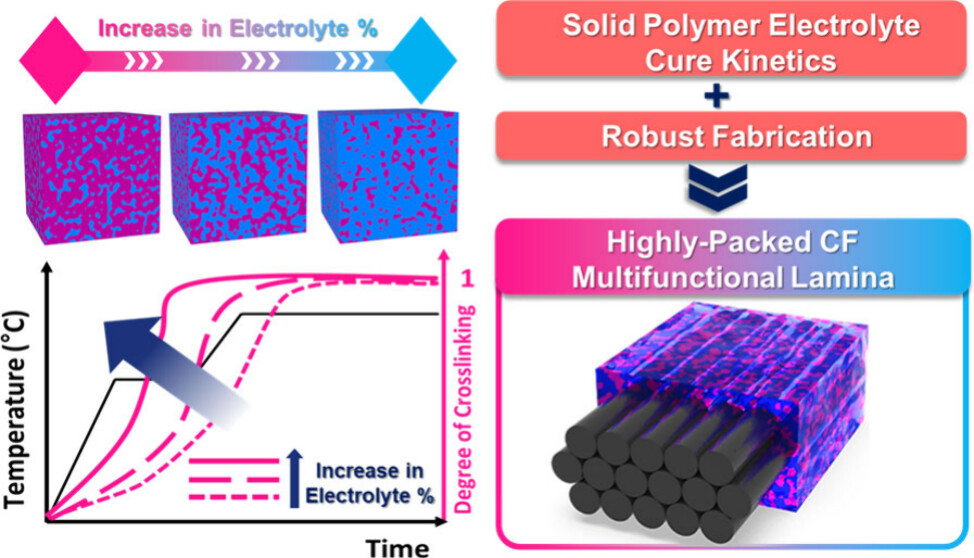
Research from My Master's Thesis Featured in Research and Tech News Channels!
November 19, 2024

Research from My Master's Thesis Featured in Research and Tech News Channels!

Research on Multifunctional Composites Featured on News Outlets!

Read More →
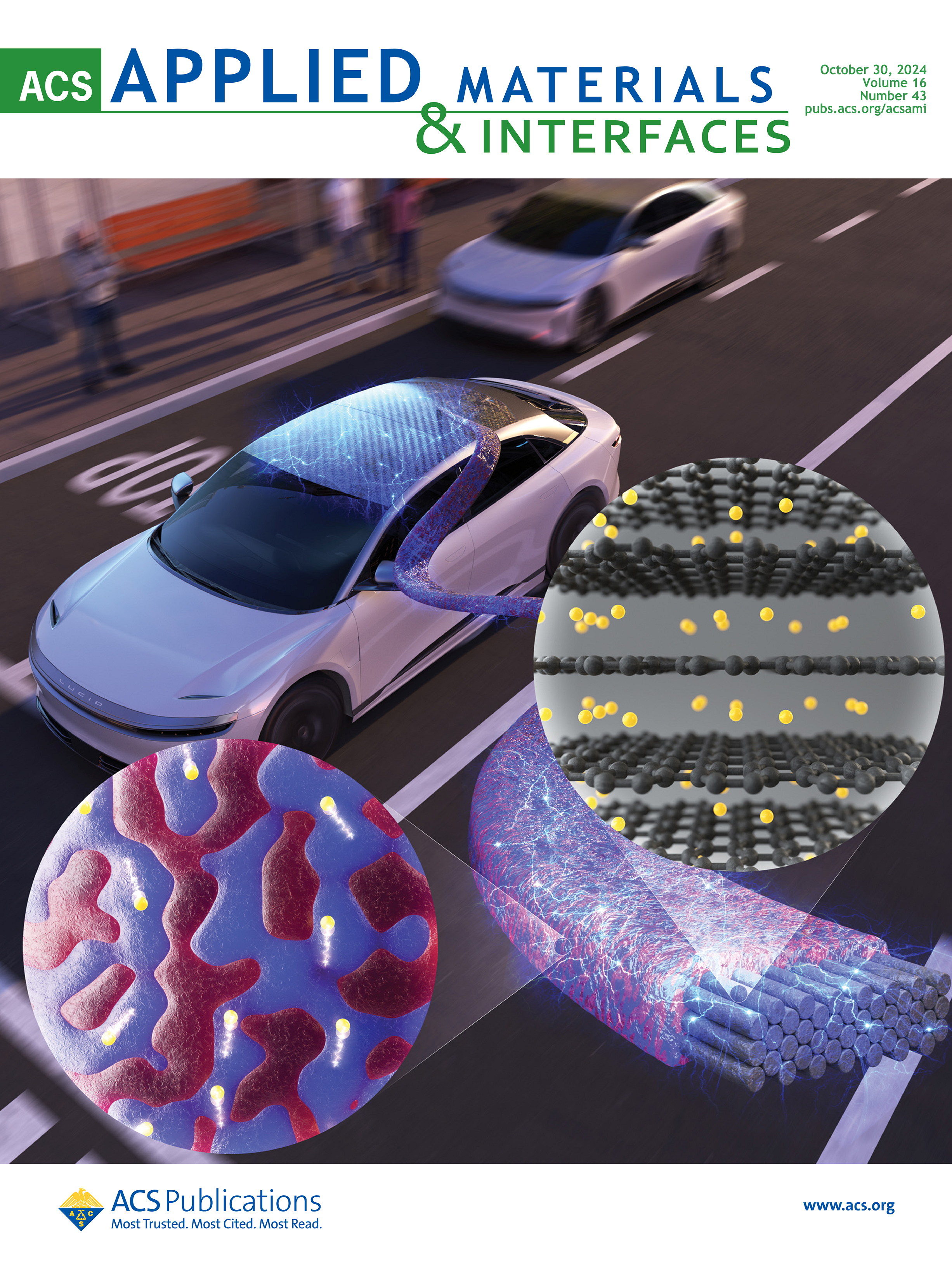
New Paper! Carbon Fiber-based Structural Battery
September 06, 2024

New Paper! Carbon Fiber-based Structural Battery

Paper on Multifunctional Composites with Carbon Fiber and Solid Polymer Electrolyte Selected as Supplementary Journal Cover!

Read More →
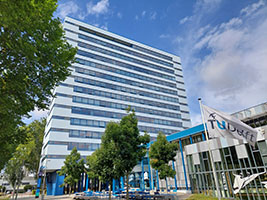
Started My PhD at Delft University of Technology (TU Delft)!
September 01, 2024

Started My PhD at Delft University of Technology (TU Delft)!

I have joined the Aerospace Structures and Materials (ASM) department, part of the Faculty of Aerospace Engineering at TU Delft. As part of the 'Luchtvaart in Transitie' (Aviation in Transition) initiative.

Read More →
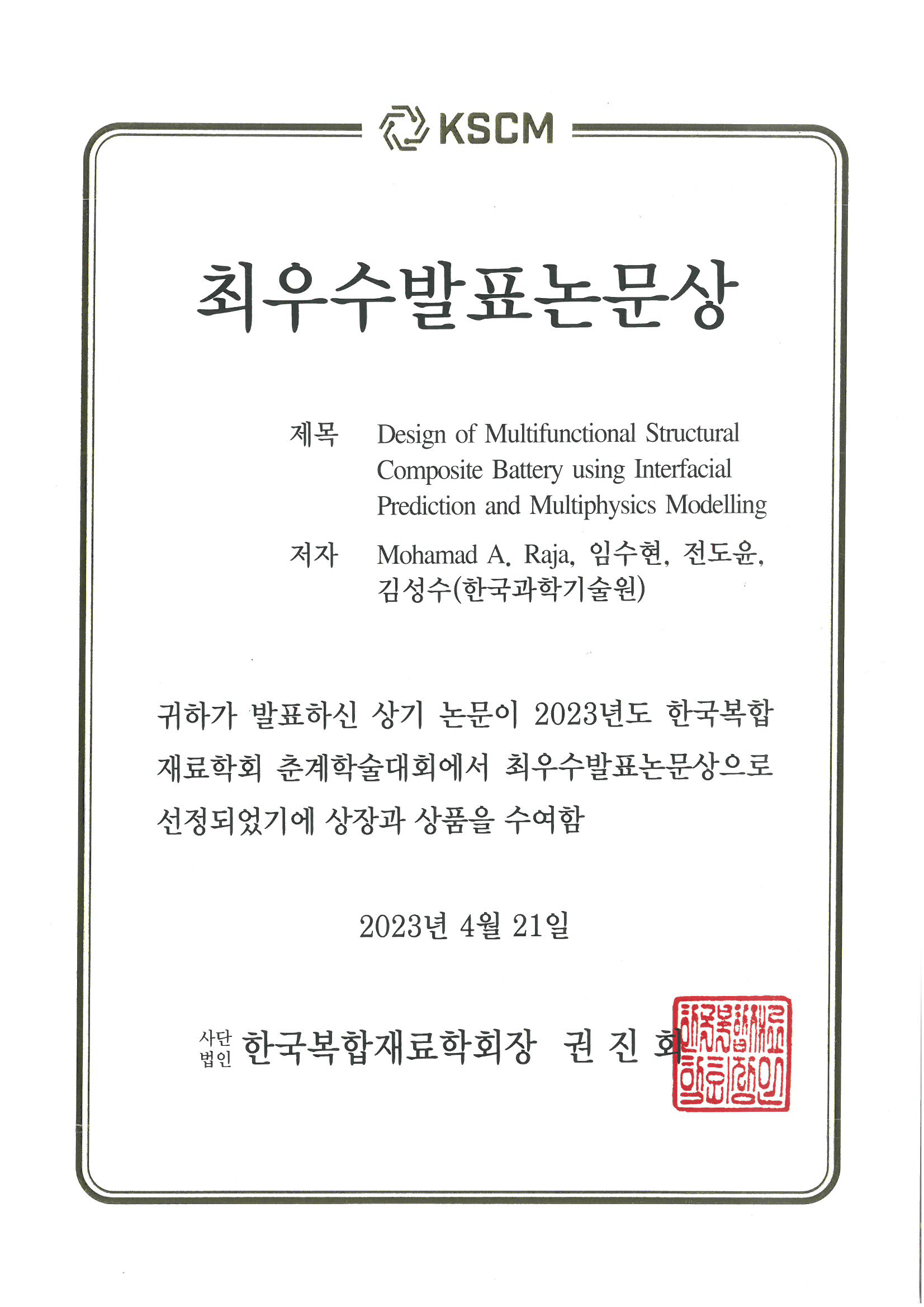
Best Presentation Award at the 2023 KSCM Spring Conference!
April 21, 2023

Best Presentation Award at the 2023 KSCM Spring Conference!

Won Best Presentation Award at the 2023 Spring Korean Society of Composite Materials (KSCM) Jeju, Korea.

Read More →

Site-wide configuration

The main configuration file for the site is in the base directory in _config.yml, which defines the content in the sidebars and other site-wide features. You will need to replace the default variables with ones about yourself and your site’s github repository. The configuration file for the top menu is in _data/navigation.yml. For example, if you don’t have a portfolio or blog posts, you can remove those items from that navigation.yml file to remove them from the header.

Create content & metadata

For site content, there is one Markdown file for each type of content, which are stored in directories like _publications, _talks, _posts, _teaching, or _pages. For example, each talk is a Markdown file in the _talks directory. At the top of each Markdown file is structured data in YAML about the talk, which the theme will parse to do lots of cool stuff. The same structured data about a talk is used to generate the list of talks on the Talks page, each individual page for specific talks, the talks section for the CV page, and the map of places you’ve given a talk (if you run this python file or Jupyter notebook, which creates the HTML for the map based on the contents of the _talks directory).

Markdown generator

The repository includes a set of Jupyter notebooks that converts a CSV containing structured data about talks or presentations into individual Markdown files that will be properly formatted for the Academic Pages template. The sample CSVs in that directory are the ones I used to create my own personal website at stuartgeiger.com. My usual workflow is that I keep a spreadsheet of my publications and talks, then run the code in these notebooks to generate the Markdown files, then commit and push them to the GitHub repository.

How to edit your site’s GitHub repository

Many people use a git client to create files on their local computer and then push them to GitHub’s servers. If you are not familiar with git, you can directly edit these configuration and Markdown files directly in the github.com interface. Navigate to a file (like this one and click the pencil icon in the top right of the content preview (to the right of the “Raw | Blame | History” buttons). You can delete a file by clicking the trashcan icon to the right of the pencil icon. You can also create new files or upload files by navigating to a directory and clicking the “Create new file” or “Upload files” buttons.

Example: editing a Markdown file for a talk Editing a Markdown file for a talk

For more info

More info about configuring Academic Pages can be found in the guide, the growing wiki, and you can always ask a question on GitHub. The guides for the Minimal Mistakes theme (which this theme was forked from) might also be helpful.